


Frequently Asked Questions
What is a sref code in Midjourney?
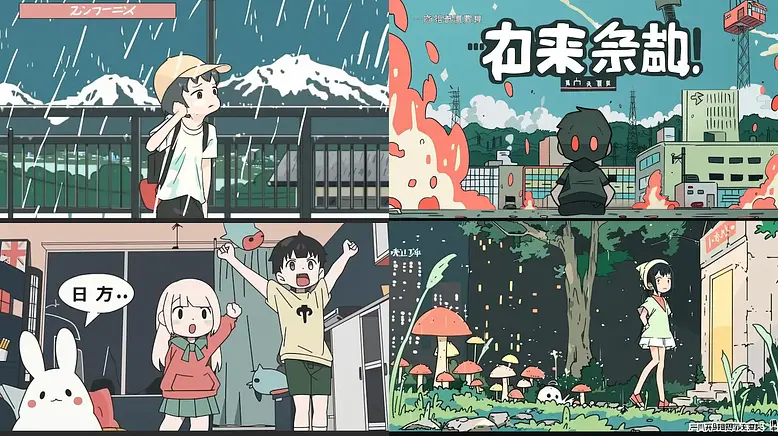
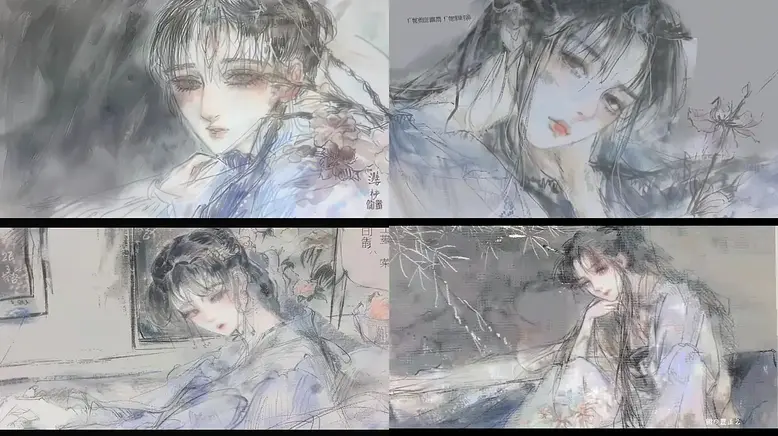
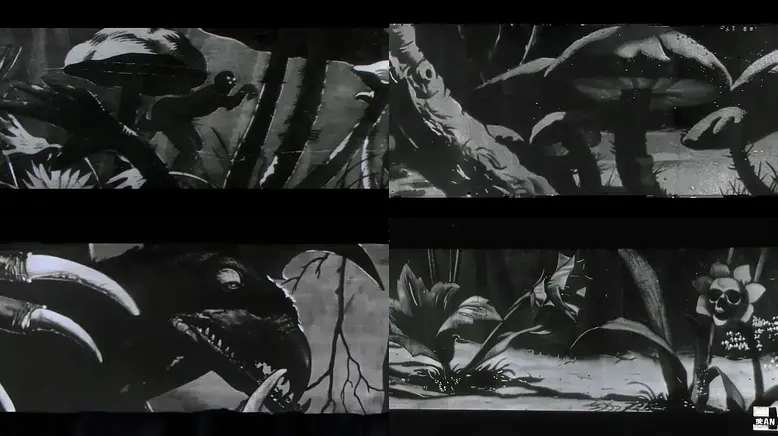
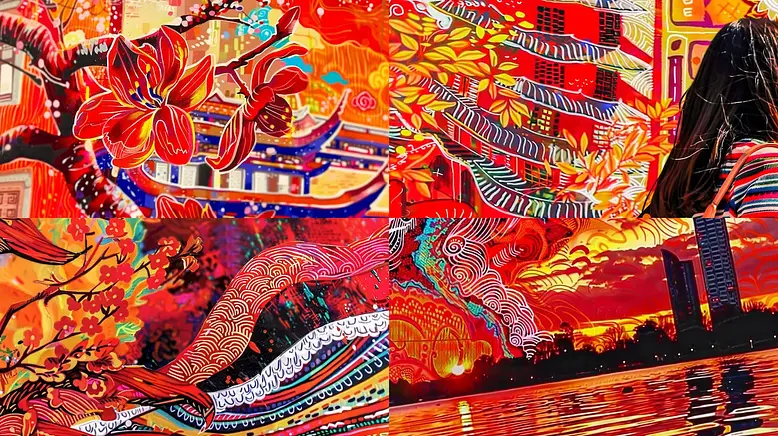
In Midjourney, a sref code (Style Reference code or Midjourney style) allows you to apply specific visual styles to your image generations. It's essentially a seed number that replaces complex style descriptions, making it easier to consistently create images with particular aesthetics.
Usage
To use a sref code, add the --sref parameter followed by the code number in your prompt.
Example prompt
a serene landscape --sref 2213253170
Benefits
- Simplifies the process of achieving consistent styles across multiple images
- Allows for easy experimentation with different visual aesthetics
- Helps both beginners and professionals create more tailored and precise images
What else can you do with a sref code?
-
Combine Multiple Styles:
You can combine multiple sref codes in a single prompt, like this:
a serene landscape --sref 2213253170 2213253132
-
Use Random Styles:
Use --sref random to apply a random style code, or visit our site to find the Midjourney style you're looking for.
-
Adjust Style Influence:
Weight the influence of different styles by adding :: followed by a number after the code:
a serene landscape --sref 2213253170::3
Can I generate images in srefs.co? (Multiprompt)
Yes. You can use the Multiprompt feature. It is a great way to see the results of one prompt in multiple styles instead of going one prompt at a time.
How are are the styles (sref codes) and their sample images in srefs.co generated?
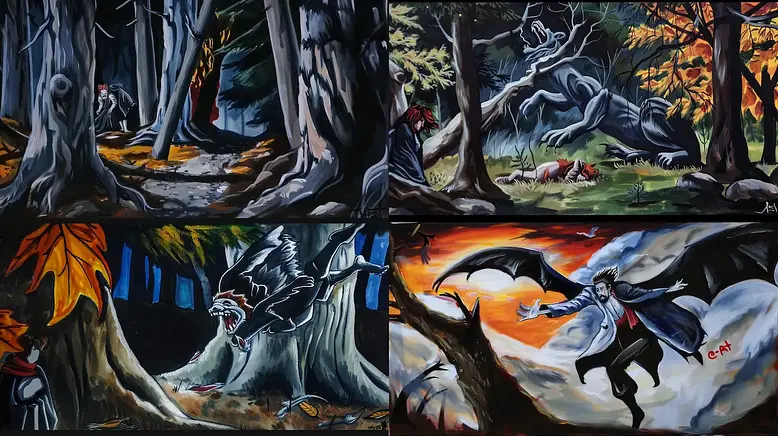
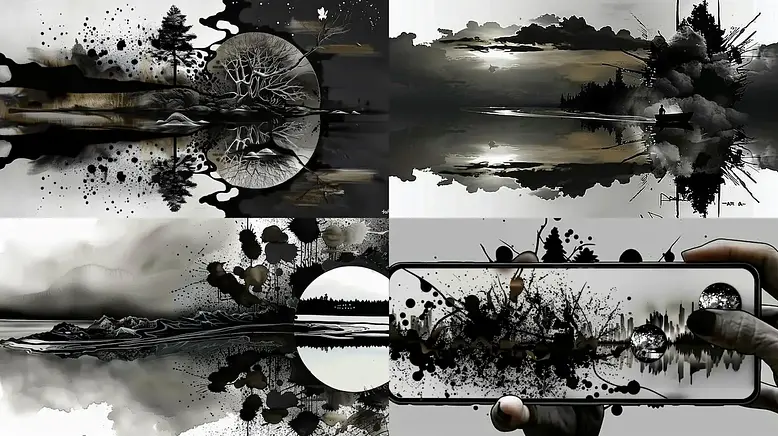
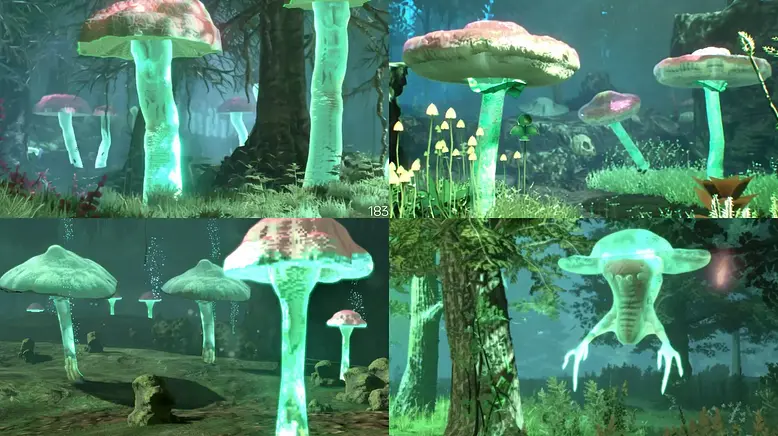
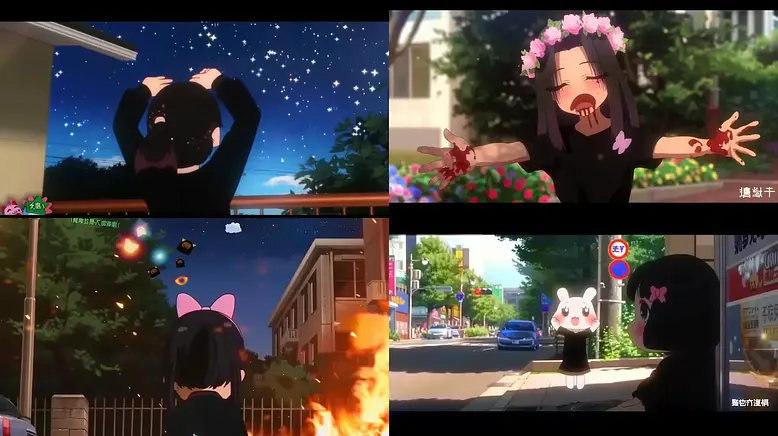
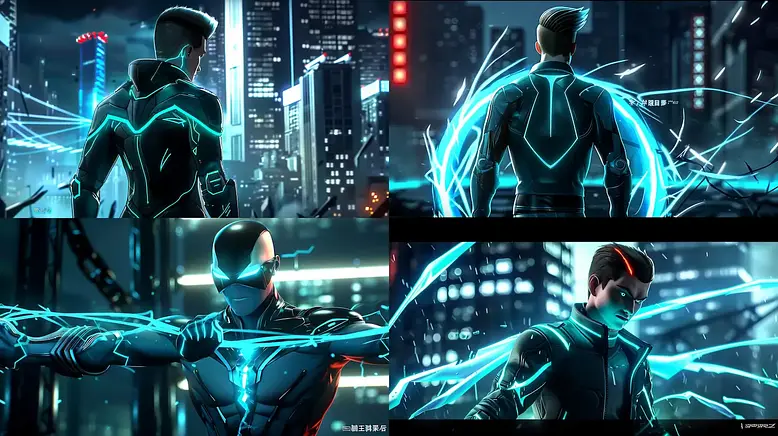
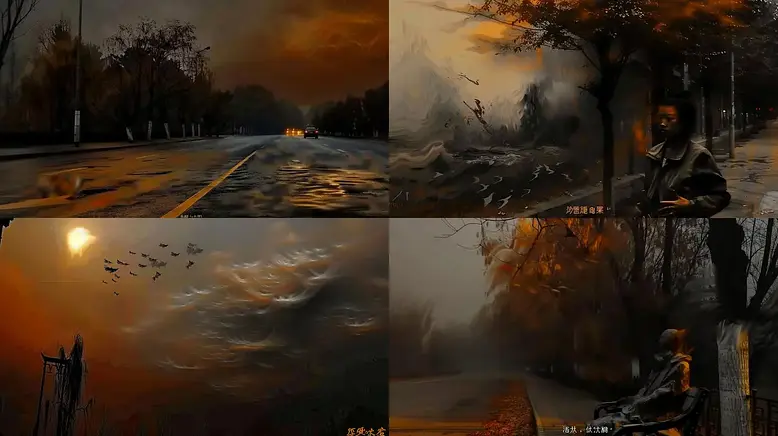
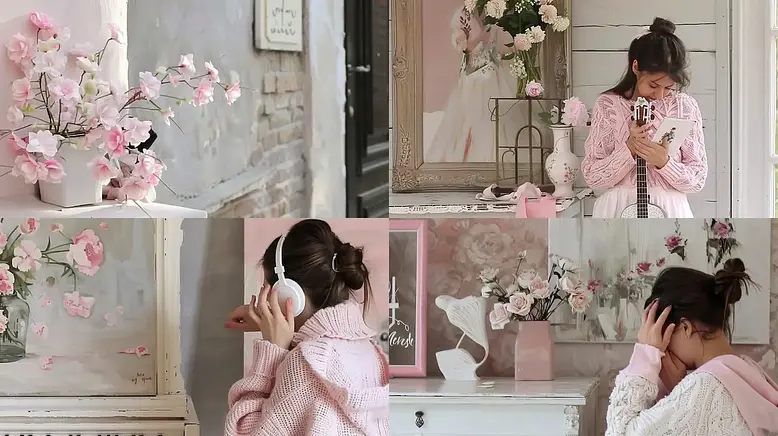
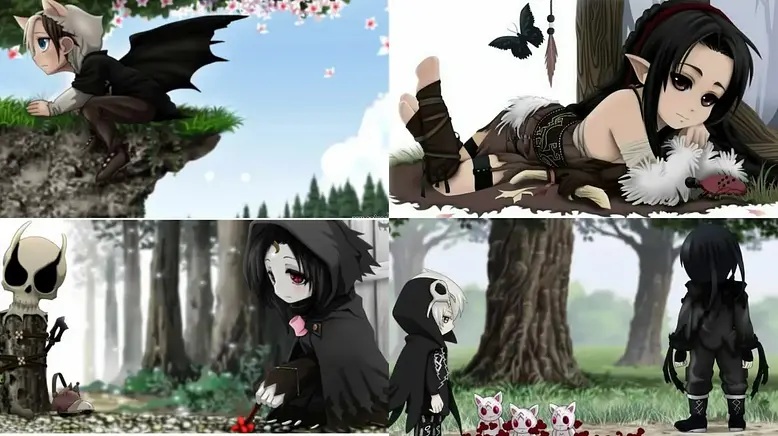
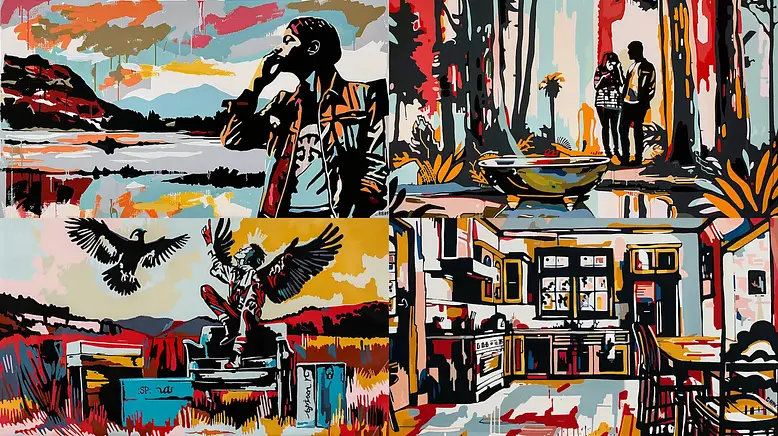
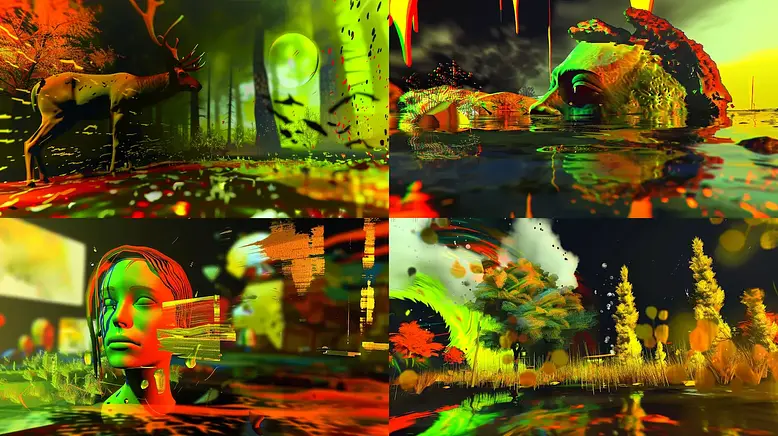
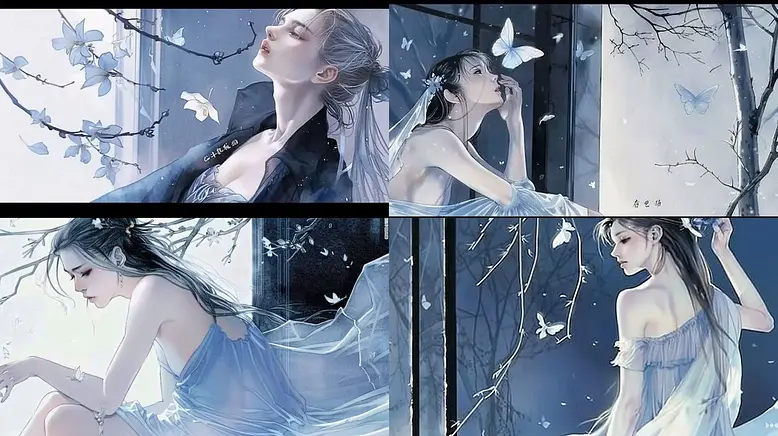
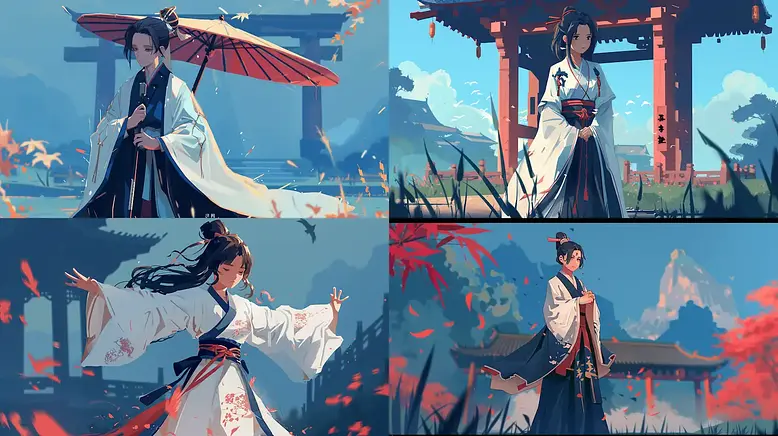
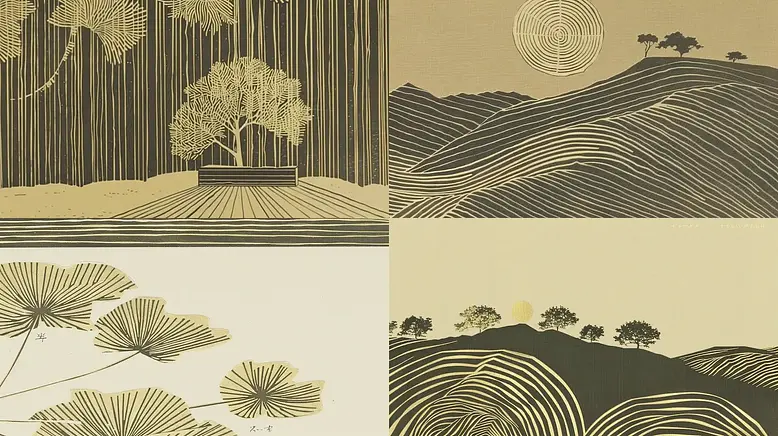
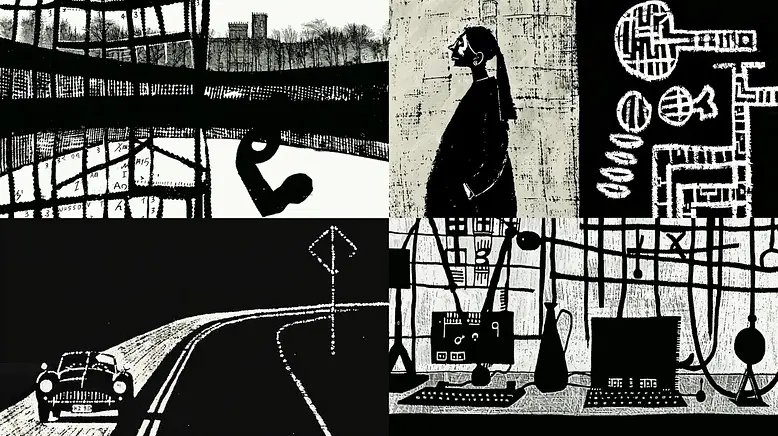
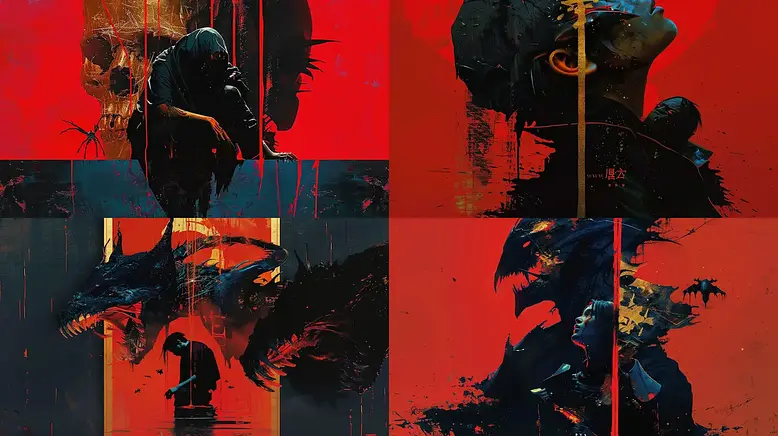
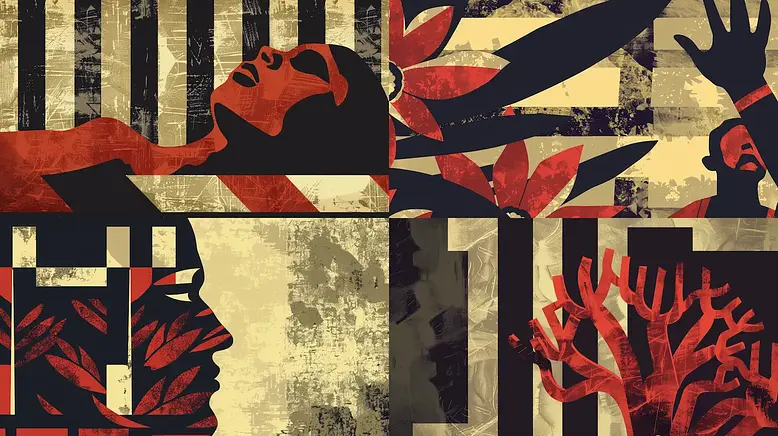
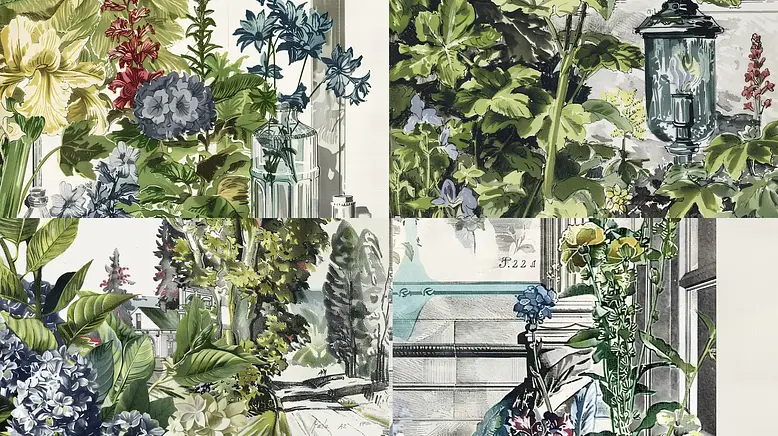
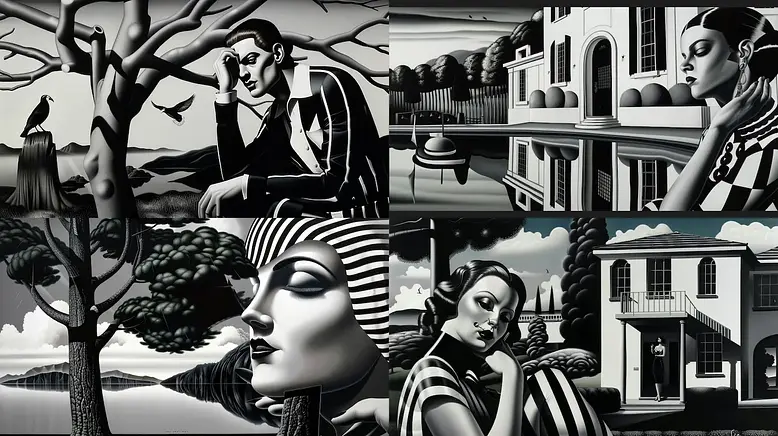
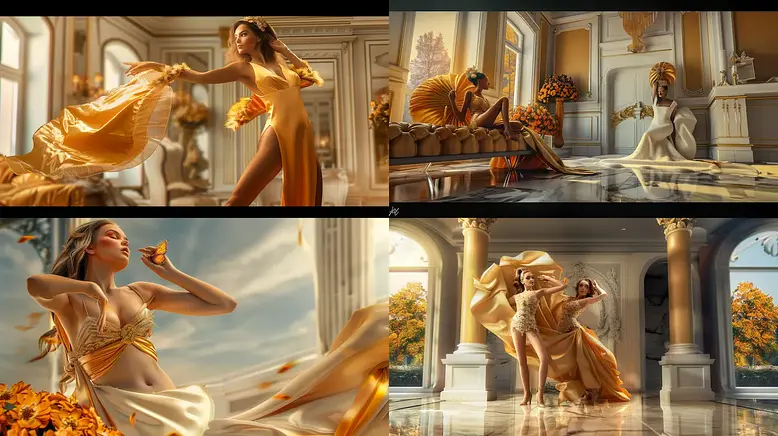
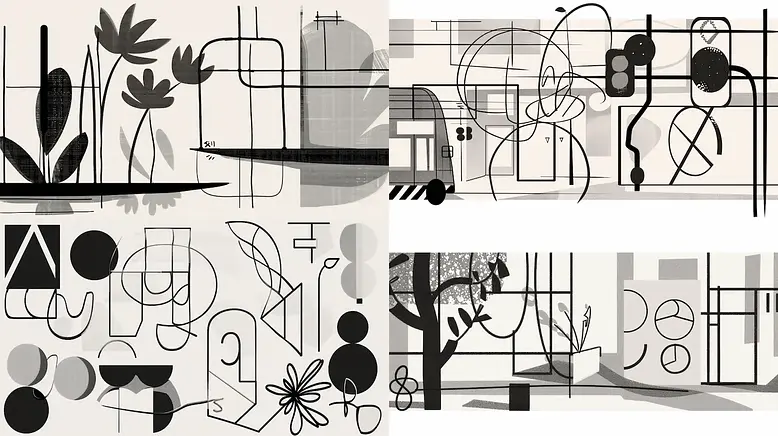
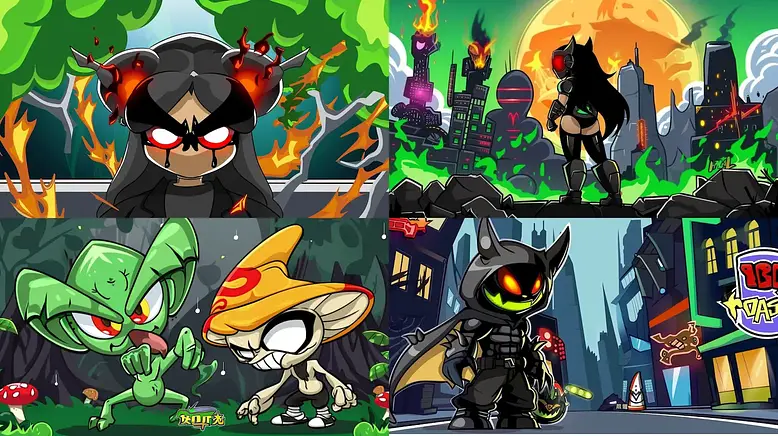
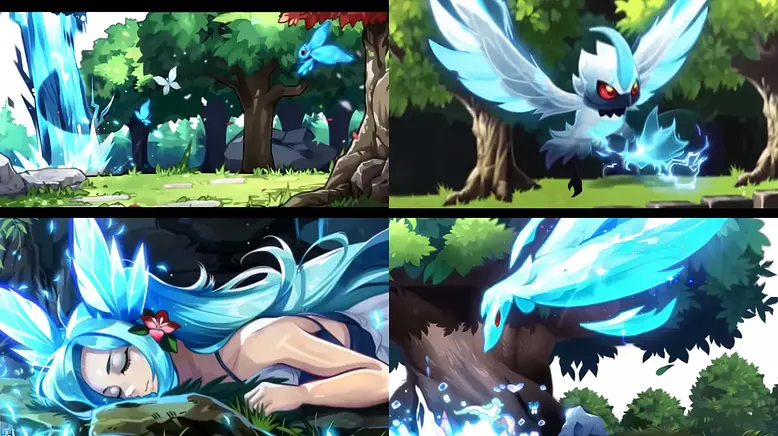
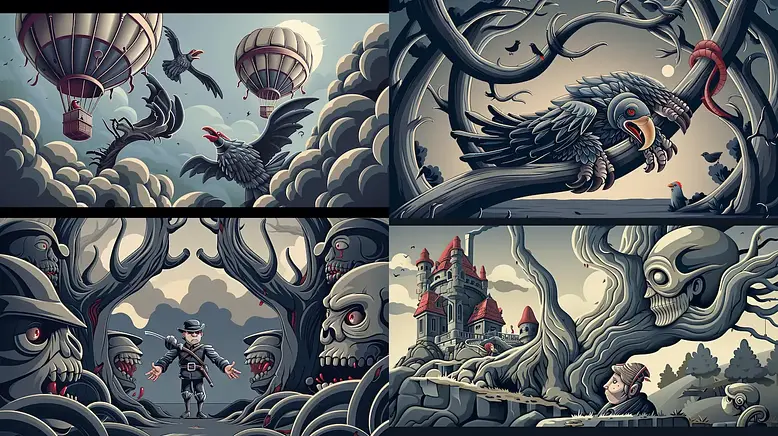
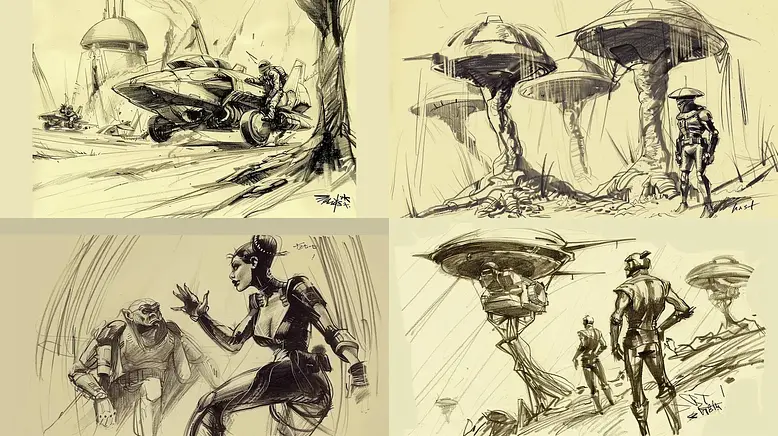
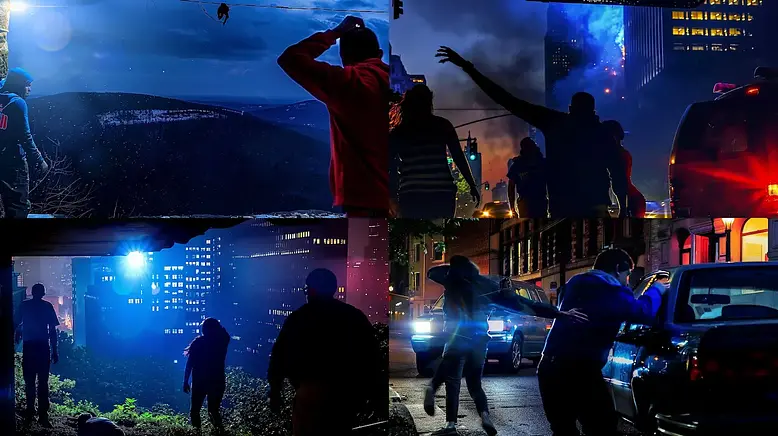
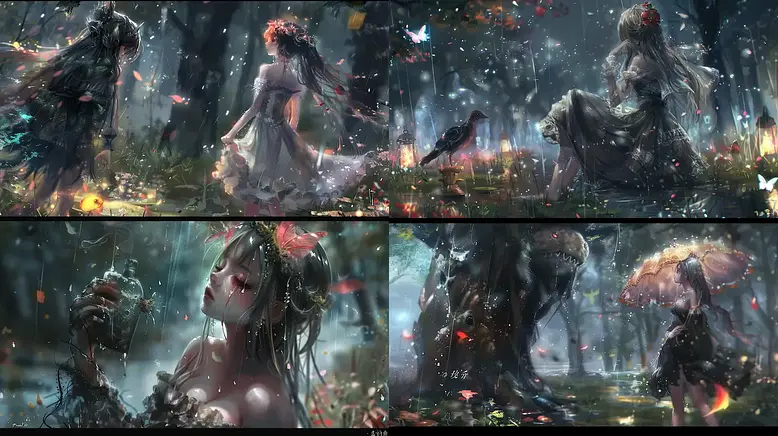
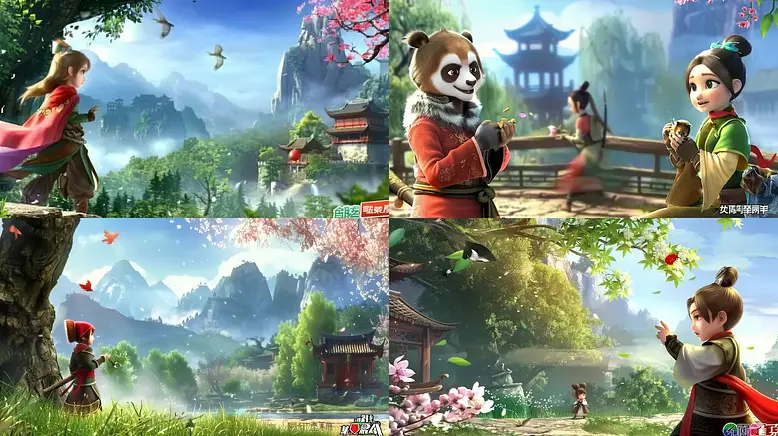
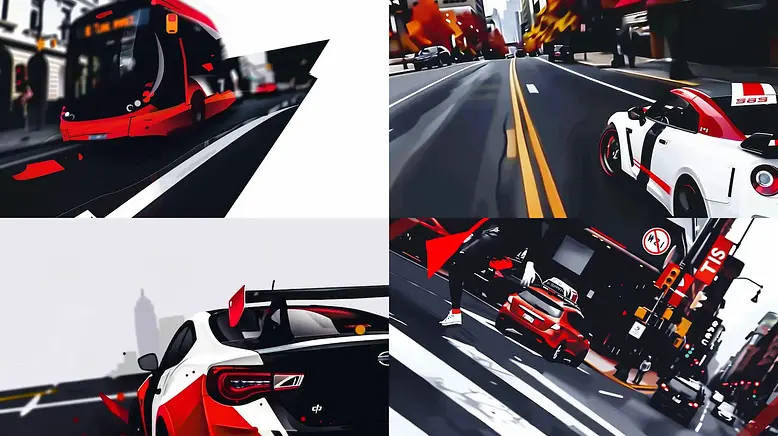
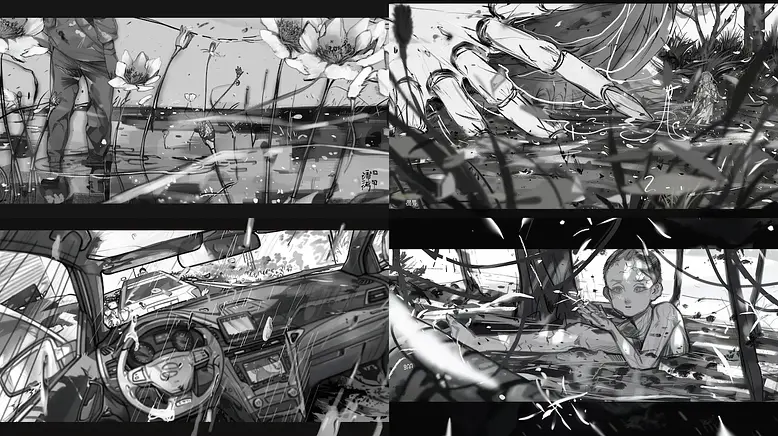
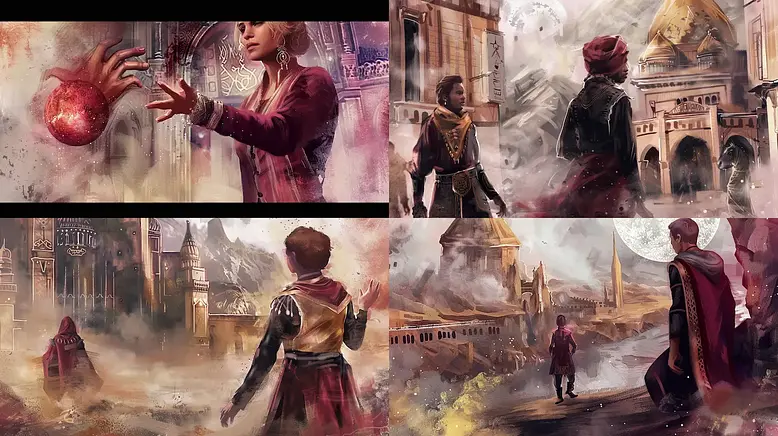
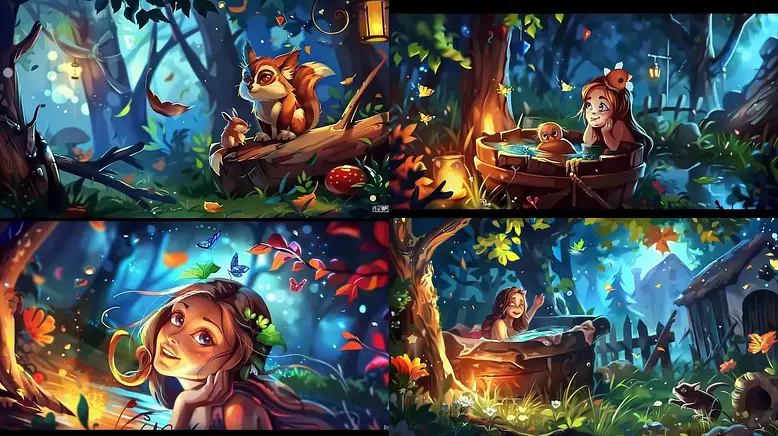
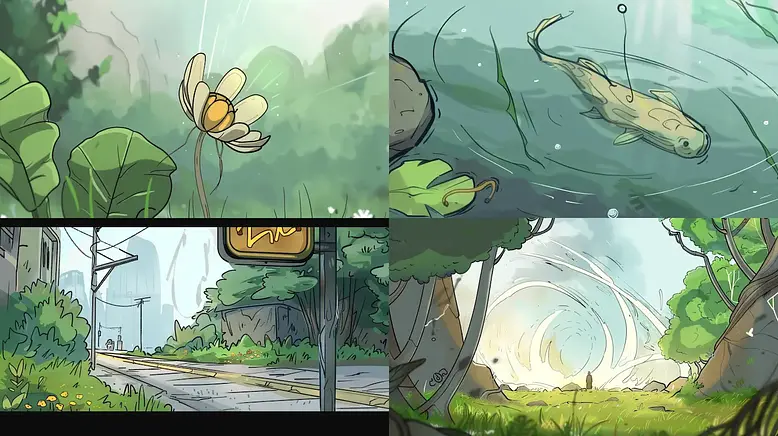
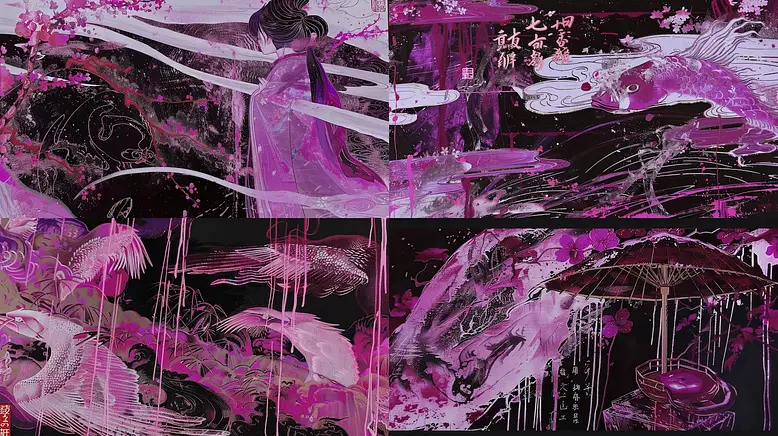
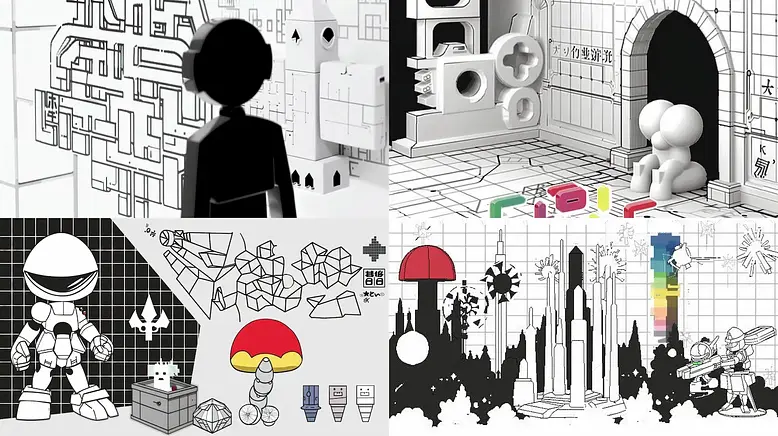
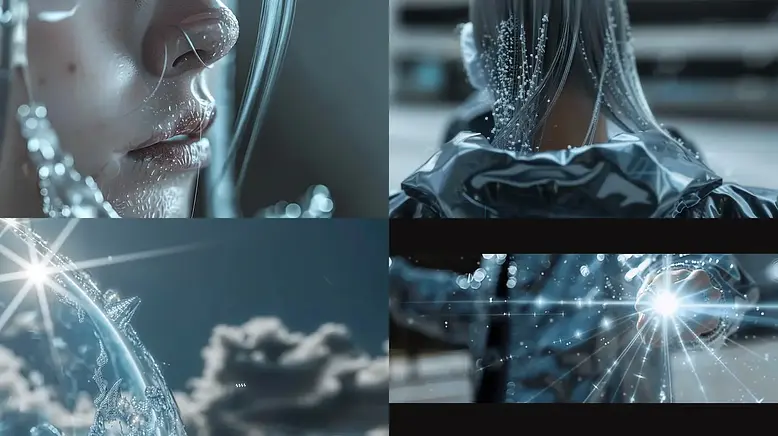
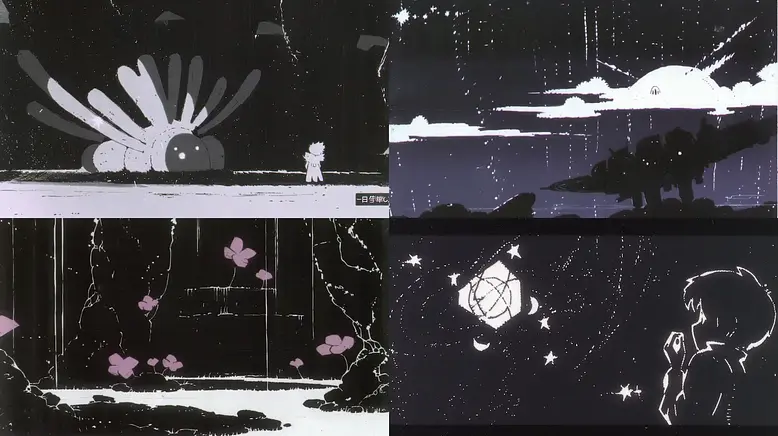
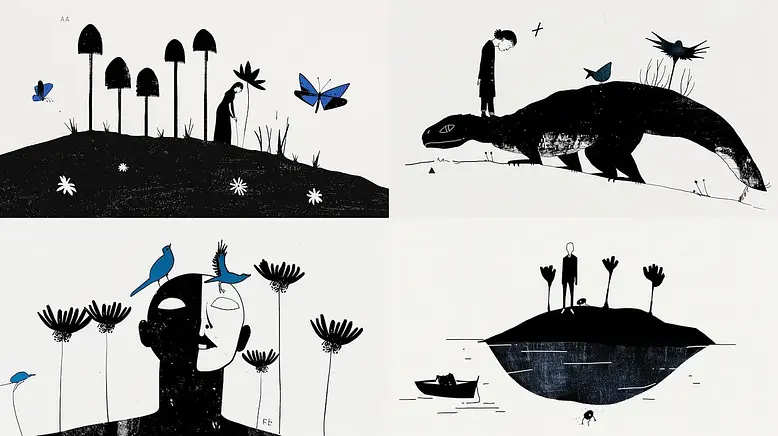
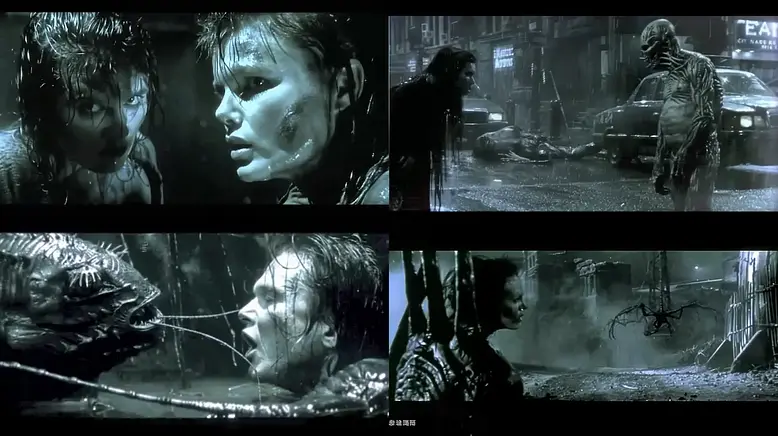
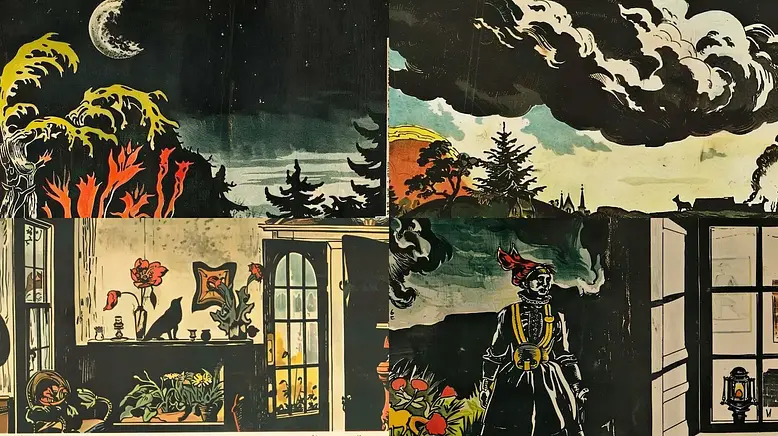
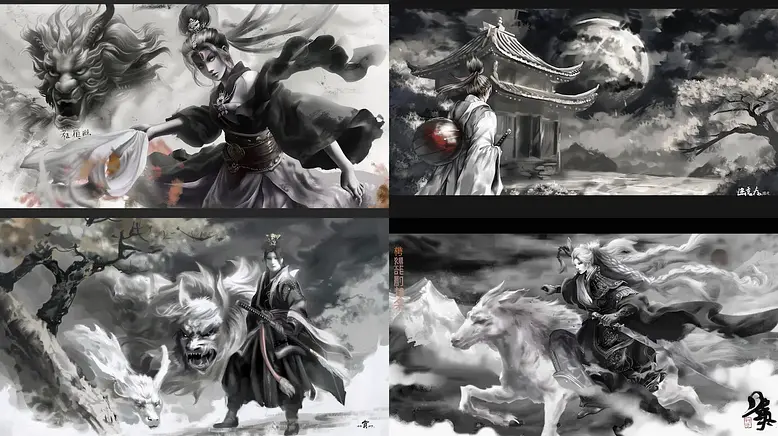
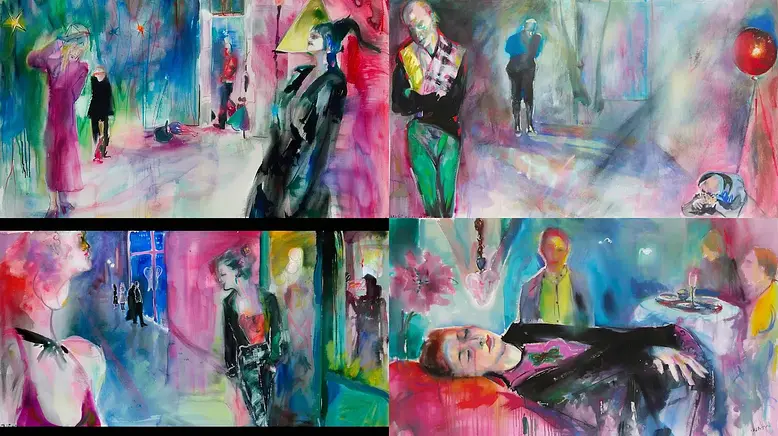
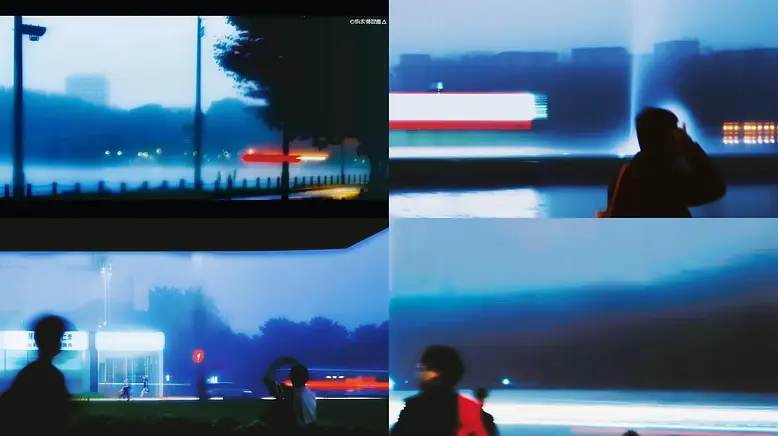
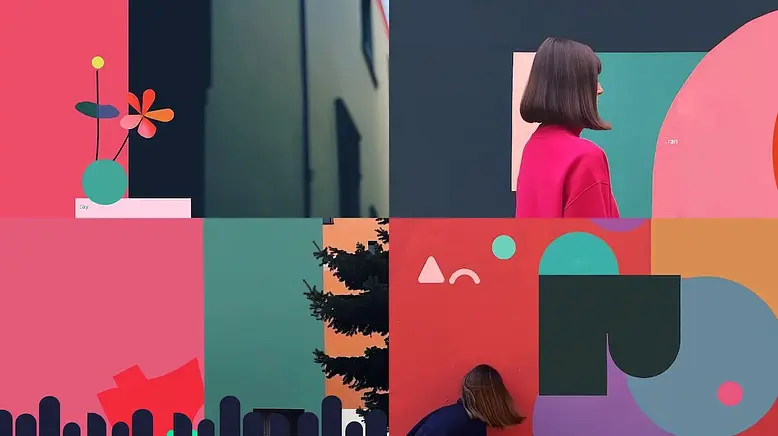
Almost all images representing each style in srefs.co are generated with the same prompt. An empty prompt. That is, only empty quotes: "".
This is done to ensure that the style is applied in its rawest form, making the image the most accurate representation of the style.
Example:
"" --v 6.0 --ar 16:9 --sw 1000 --sref 2389190716
How should I apply sref codes?
If you generate the images in our site you don't need more than choosing the style and adding your prompt.
However, if you prefer to use Midjourney, copy the sref code and add it to your prompt in the following way: --sref 2389190716
It is advisable to add the parameter --sw 1000 to the prompt to ensure the style is applied correctly.
Can I save and organize styles?
Yes. There's a bookmark icon at the top-right corner of each style card. Clicking it will add the style to your Saved Styles , which you can access from your profile. You can also organize your saved styles into collections for easier management.
Can I mark my collection as private?
Yes. If marked as private, only you can see your collections.
Do you offer a monthly subscription?
Yes. Please visit the Pricing page to learn more.
Do you have an affiliate program?
Yes. Visit our Affiliate Program page to learn more and apply.