Best AI Art Tools for Creative Professionals
Explore the top AI art tools for creative professionals, comparing features, pricing, and customization options to enhance your artistic workflow.

• 14 min read

Best AI Art Tools for Creative Professionals
- Srefs.co: Offers 74,000+ Midjourney style references, Multiprompt tools, and detailed customization for $6–$8/month or $129 lifetime.
- Midjourney: Known for high-quality images through its Discord-based interface, with strong prompt customization options.
- DALL·E: Excels at detailed, text-to-image generation with plans starting at $20/month. API pricing is available for per-image use.
- Stable Diffusion: A free, open-source option for professionals who prefer local or cloud-based solutions with customizable settings.
Each tool caters to different needs - whether you're a freelancer, agency, or independent artist. Below, we break down their features, pricing, and use cases to help you choose the right one.
Quick Comparison
| Tool | Key Features | Pricing | Best For |
|---|---|---|---|
| Srefs.co | 74,000+ style references, Multiprompt | $6–$8/month, $129 lifetime | Midjourney users needing style libraries |
| Midjourney | High-quality results, Discord interface | Subscription-based | Artistic visuals, community-driven |
| DALL·E | Detailed text-to-image, API integration | $20/month, $0.04–$0.08/image | Logos, posters, marketing visuals |
| Stable Diffusion | Open-source, customizable settings | Free (local), cloud options | Tech-savvy users, privacy-focused |
Now, let's dive into the details of each platform.
37 of the BEST Tools for AI Art or Midjourney in 2025!
1. Srefs.co
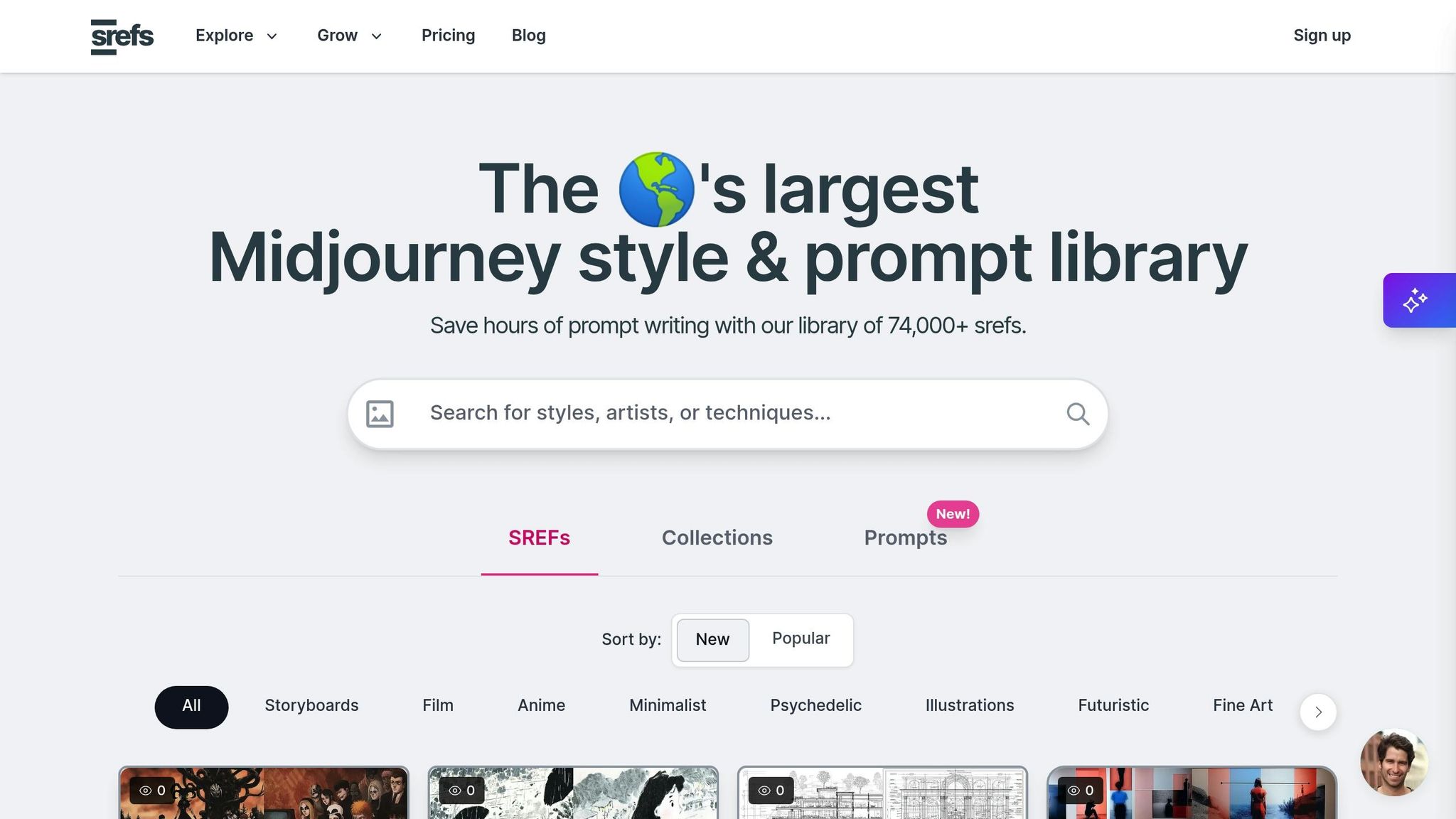
Srefs.co is a go-to platform for creative professionals, offering a searchable database of 74,000 Midjourney style references. This extensive library makes it easier to find the perfect aesthetic, saving time for those working under tight deadlines.
Art Quality
The platform leverages Midjourney style reference codes to generate top-notch visuals. Each style in the library includes sample images created using an empty prompt, providing a clear look at the aesthetic without any external influence. This feature helps professionals quickly grasp the style's essence before applying it to their work.
To enhance creative flexibility, Srefs.co includes a Multiprompt feature. This allows users to test multiple styles simultaneously, giving them a range of options to present to clients or explore different directions for a project.
Prompt Accuracy
Srefs.co offers fine-tuned control over image generation with two key settings: Stylization and Variety.
- The Stylization setting determines how closely the output aligns with the input prompt. Lower values stick more closely to the original idea, making them ideal for projects requiring precision. Higher values allow for more artistic freedom, perfect for exploring creative possibilities.
- The Variety setting (ranging from 0 to 100) adjusts how consistent the outcomes are. This balance between precision and creativity ensures users can customize results to fit their specific needs.
These detailed controls make it easier to craft visuals that align with both creative and practical goals.
Customization
Customization is where Srefs.co truly shines. Users can blend multiple style reference codes in a single prompt and adjust their influence using the format --sref [code]::[weight]. This feature allows for precise aesthetic combinations tailored to individual projects.
For those who need even more flexibility, the Pro and Lifetime plans include a custom srefs import feature. This enables users to build and manage their own unique style libraries. Other advanced tools, like the Weirdness setting (0–3,000) and the Variety parameter, allow for unconventional elements and fine-tuned compositions, giving professionals complete control over their creative output.
Pricing
Srefs.co offers flexible pricing options to meet the needs of professionals at all levels:
- Hobby Plan: For $6/month (billed yearly), users get unlimited access to the style library, unlimited collections, and basic support.
- Pro Plan: At $8/month (billed yearly), this plan adds features like Multiprompt, custom style reference imports, VIP support, and early access to new tools - perfect for freelancers and small agencies.
- Lifetime Access: For a one-time fee of $129, users gain permanent access to all features without ongoing costs.
The platform also runs promotions, such as a "Fall Kickoff -35% OFF" discount, making it more affordable for budget-conscious users. Regardless of the plan, all users benefit from unlimited style reference copies and access to a supportive Discord community, ensuring everyone can maximize their creative potential with Srefs.co.
2. Midjourney
Midjourney provides a range of tools for creative professionals who want to shape AI-generated images to match specific artistic styles or project goals.
One standout feature is the ability to adjust prompts for either precise or imaginative outputs. The --stylize (--s) parameter plays a key role here. Setting lower values (0–100) results in more literal interpretations, while higher values (up to 1,000) produce more creative and abstract results. For those seeking balance, the default value of 100 works well.
Another useful feature is support for image prompts. With the --iw parameter, users can control how much influence an uploaded reference image has on the final output. Values range from 0 to 2, with the default set at 1.0. This level of customization allows creators to fine-tune their work, ensuring the generated art aligns perfectly with their vision and integrates smoothly into their workflow.
3. DALL·E
DALL·E stands out for its ability to generate highly detailed and accurate text-to-image creations. Whether you're specifying artistic styles, intricate color schemes, or even including text for logos and marketing materials, the tool delivers visuals that closely match your descriptions.
Prompt Accuracy
One of DALL·E's strengths is its ability to interpret detailed prompts with precision. It can handle complex instructions involving artistic techniques, specific color themes, and intricate compositions. This makes it a go-to tool for creating scenes with multiple objects, varied lighting, and even seamlessly integrated text for projects like logos, posters, or promotional materials.
Pricing
DALL·E offers flexible pricing options to suit different creative needs. Here’s a breakdown:
| Plan | Monthly Cost | DALL·E Access | Best For |
|---|---|---|---|
| ChatGPT Plus | $20/month | Includes DALL·E 3 | Individual creators |
| ChatGPT Team | $25-$30/user/month | DALL·E 3 + higher message limits | Creative teams |
| Enterprise | Custom pricing | Unlimited access | Larger organizations |
For individual creators, DALL·E 3 is included in the ChatGPT Plus subscription, priced at $20 per month. This plan provides full access to high-quality image generation within the chat interface.
Creative teams can opt for the ChatGPT Team plan, which costs between $25 and $30 per user each month. This plan includes additional features like higher message caps and administrative tools. For larger organizations, custom Enterprise plans are available, offering unlimited usage and dedicated support.
If you prefer API integration, DALL·E uses a pay-per-image pricing model. Standard quality images (1024x1024 pixels) cost $0.04 each, while HD quality images at the same resolution are priced at $0.08 per image. For those looking to save, DALL·E 2 is available at $0.02 per image for the same resolution.
A smart approach for professionals is to use DALL·E 2 for early-stage concepts or rough drafts, then switch to DALL·E 3 HD for polished, production-ready visuals. This way, you can balance quality and cost effectively.
sbb-itb-c7ab506
4. Stable Diffusion
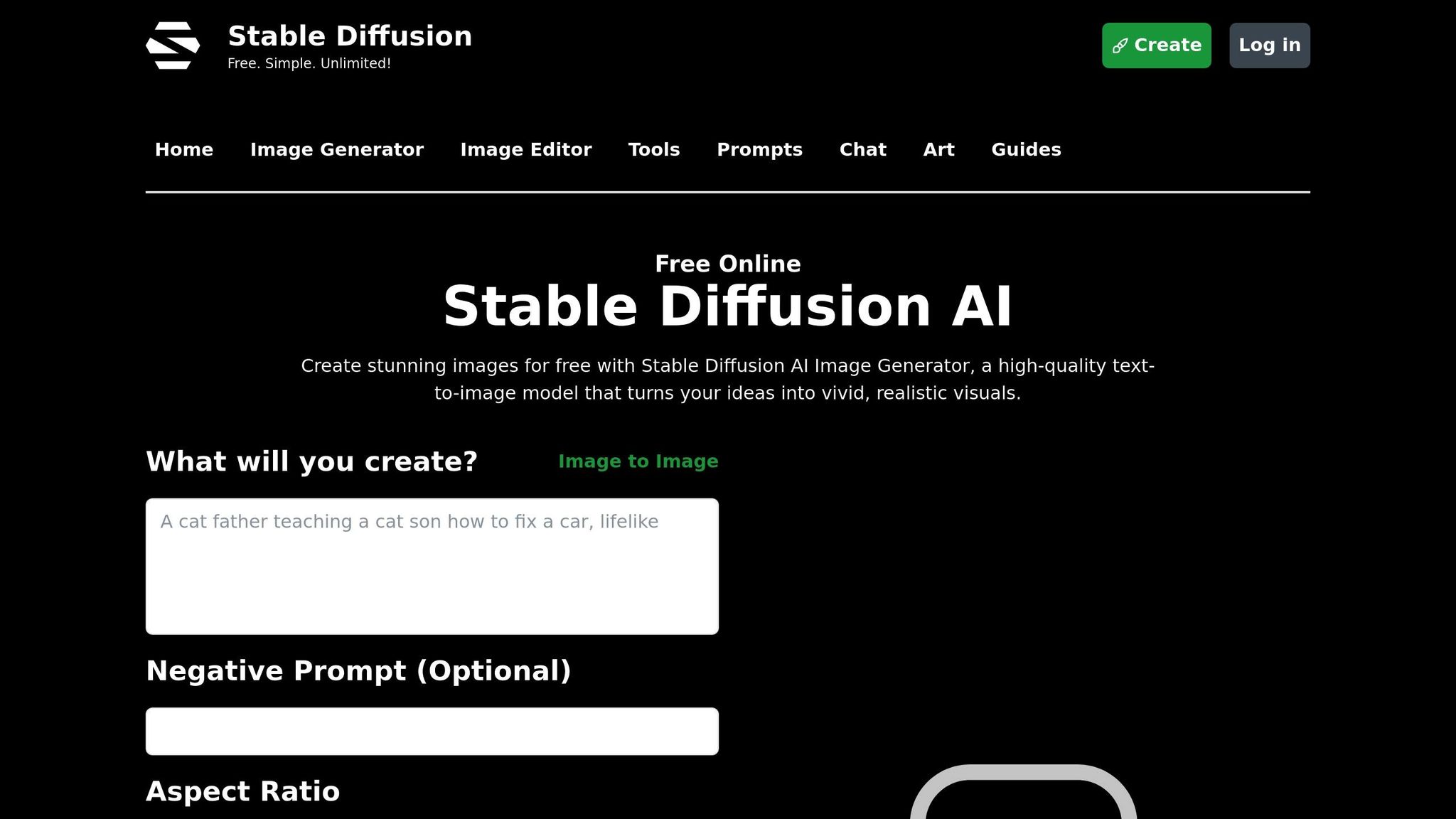
Stable Diffusion is a go-to option for creative professionals who need both flexibility and control while staying mindful of costs. This open-source tool offers an alternative for generating artistic imagery that is both high-quality and adaptable. It's particularly popular among artists who want to refine their AI-generated work without dealing with subscription fees. By combining creative freedom with affordability, Stable Diffusion has carved out a niche in the world of AI-driven art.
Art Quality
When it comes to image quality, Stable Diffusion delivers results that can easily compete with commercial tools. It excels in creating stylized artwork and can maintain consistent artistic styles across multiple images. This consistency is a major advantage for professionals working on projects like brand campaigns or series artwork, where visual harmony is key. Whether it's photorealistic portraits or abstract digital designs, Stable Diffusion proves itself versatile across a spectrum of artistic techniques.
Customization
One of the standout features of Stable Diffusion is its wealth of customization options. Users can tweak parameters like sampling methods, guidance scales, and the number of sampling steps to suit their needs. The tool also supports custom models and checkpoints, allowing artists to adapt it to specific styles or themes relevant to their work.
For advanced users, the ability to fine-tune outputs by balancing prompt accuracy with creative variation is invaluable. Additionally, integrating LoRA (Low-Rank Adaptation) models makes it easy to incorporate unique styles without the need for retraining, which is especially useful for maintaining brand consistency. These customization capabilities make Stable Diffusion a practical and flexible choice for professionals.
Pricing
As an open-source tool, Stable Diffusion is a budget-friendly option for those with high-volume needs. It can be run locally on personal hardware at no software cost, though a robust graphics card is necessary for optimal performance.
For users who prefer not to rely on local hardware, there are cloud-based platforms offering hosted versions of Stable Diffusion with a variety of pricing plans. This dual approach - local installation for unlimited use and privacy or cloud hosting for convenience - makes the tool appealing to both agencies and freelancers, especially those handling sensitive client projects.
Advantages and Disadvantages
AI art tools come with their own sets of strengths and challenges, catering to different creative needs and workflows.
Srefs.co is designed specifically for Midjourney users, offering a library of over 74,000 Midjourney style references. Its standout feature, the Multiprompt tool, allows users to test multiple styles at once, while its categorized library makes exploring aesthetics more efficient. With plans starting at $6 per month (billed annually), it’s an affordable option for those deeply invested in Midjourney workflows. However, its focus on Midjourney means it’s less useful for creators working with other AI art platforms.
Other tools bring their own mix of benefits and drawbacks. Midjourney, for example, is known for producing stunning, artistic visuals and has an easy-to-use interface supported by an active community. That said, its reliance on Discord for operations can make it less efficient, especially for professionals requiring more detailed customization.
DALL·E stands out for its ability to interpret detailed prompts and handle complex instructions seamlessly. However, its credit-based pricing model can get expensive for frequent users, and its neutral artistic style may not always deliver the creative flair some projects demand.
Stable Diffusion offers unmatched flexibility and affordability, particularly when used locally. As an open-source tool, it supports extensive customization and ensures privacy for sensitive projects. On the flip side, it requires a fair amount of technical expertise to set up, and achieving consistent results often involves a learning curve and extra experimentation.
Conclusion
Picking the right AI art tool comes down to what works best for your workflow and project needs. Each platform brings something different to the table, catering to a variety of creative processes.
Srefs.co makes exploring styles easier with its large library of Midjourney references and a Multiprompt tool for testing multiple aesthetics. This can be especially handy for digital artists and Etsy sellers aiming to keep a consistent visual theme in their work.
Beyond Srefs.co, platforms like Midjourney, DALL·E, and Stable Diffusion each shine in their own way. Midjourney is celebrated for its polished, artistic results. DALL·E stands out with its focus on detailed customization, while Stable Diffusion offers a flexible, open-source solution for those who enjoy a more hands-on approach.
The key is to choose a tool that aligns with your workflow, creative goals, and any licensing or technical requirements you might have. By understanding what each tool offers, you can find the one that best complements your creative vision and project demands.
FAQs
How does Srefs.co differ from AI art tools like Midjourney, DALL·E, and Stable Diffusion?
Srefs.co serves as a style management platform, providing access to an extensive library of over 74,000 predefined style references (SREFs). It's tailored to help creative professionals maintain consistent visual styles, making it particularly useful for projects like branding or designing cohesive digital assets.
In contrast, tools such as Midjourney, DALL·E, and Stable Diffusion excel at generating high-quality images based on user prompts. However, they lack features specifically designed for managing or organizing visual styles. Srefs.co fills this gap by simplifying workflows and ensuring consistent aesthetics - an essential advantage for professional and commercial projects.
How do I choose the best AI art tool for my creative projects and workflow?
Choosing the right AI art tool comes down to your project goals, preferred artistic style, and workflow needs. Begin by figuring out what matters most to you - whether that's smooth compatibility with your current software, top-notch image quality, or specific style options.
For example, some tools cater to professional designers aiming to simplify their workflows, while others shine in generating custom digital art or prints. Trying out a few tools on smaller projects can give you a clearer sense of their usability, the quality of their output, and how well they match your creative vision. Prioritize tools that fit seamlessly into your process and deliver results that align with your artistic goals.
What customization features does Srefs.co offer, and how can they improve my creative projects?
Srefs.co offers a suite of customization tools aimed at simplifying and enhancing your creative process. With features like saving your favorite styles, organizing them into collections, and ranking images to generate personalized style references, you can maintain visual consistency and keep your workflow efficient. These tools make it easier to produce high-quality, tailored artwork without unnecessary hassle.
Whether you’re crafting client assets, designing digital prints, or experimenting with new artistic directions, Srefs.co helps you stay organized and focused on creativity. The platform allows you to prioritize the art itself while ensuring your work remains polished and professional.
Chloe Bennett
Chloe Bennett writes about the future of creativity, where art meets artificial intelligence. With a background in graphic design and a deep curiosity for emerging tech, she focuses on how tools like MidJourney and Srefs.co empower designers to bring bold ideas to life. On the Srefs.co blog, Chloe explores AI art styles, prompting strategies, and real-world workflows, always with an eye toward making complex tools accessible and inspiring. Her approachable style helps both beginners and professionals discover new ways to stay consistent, creative, and efficient in their design projects. Outside of writing, Chloe loves experimenting with digital illustration, exploring new art trends, and sharing inspiration with fellow creators.
4 articles


